
Adobe Campaign has the ability to completely transform our email marketing strategy. It achieves this thanks to its customization possibilities, its connectivity with Adobe Creative Cloud, and its ability to present data that we can truly work with. That is why it is a solution that allows us to make the best multichannel marketing decisions, whatever our needs and objectives may be.
What is Adobe Campaign?
Adobe Campaign is a marketing automation and campaign management platform that allows us to create advertising campaigns in a very simple way. Its integration with Adobe Creative Cloud and also with Adobe Analytics makes our work easier, enabling us to use the tools we already know, but take them a step further.
Always adapting to our goals based on data, we can create personalized multichannel experiences, including email, SMS, and also push notifications on iOS and Android. This is, in fact, the greatest advantage of Adobe Campaign v8, the latest version of Adobe software.
Its biggest weakness, on the other hand, is that the learning curve is steep, especially if we are not familiar with this type of campaign management applications.
Key Features of Adobe Campaign
When it comes to campaign management tools, there are several solutions available on the market. What can Adobe Campaign do for your company? The list is long and largely depends on the needs of our project, but the following points stand out:
- Integration with Adobe Experience Cloud: It allows us a unified approach to campaign management and enables us to work with other Adobe products very easily.
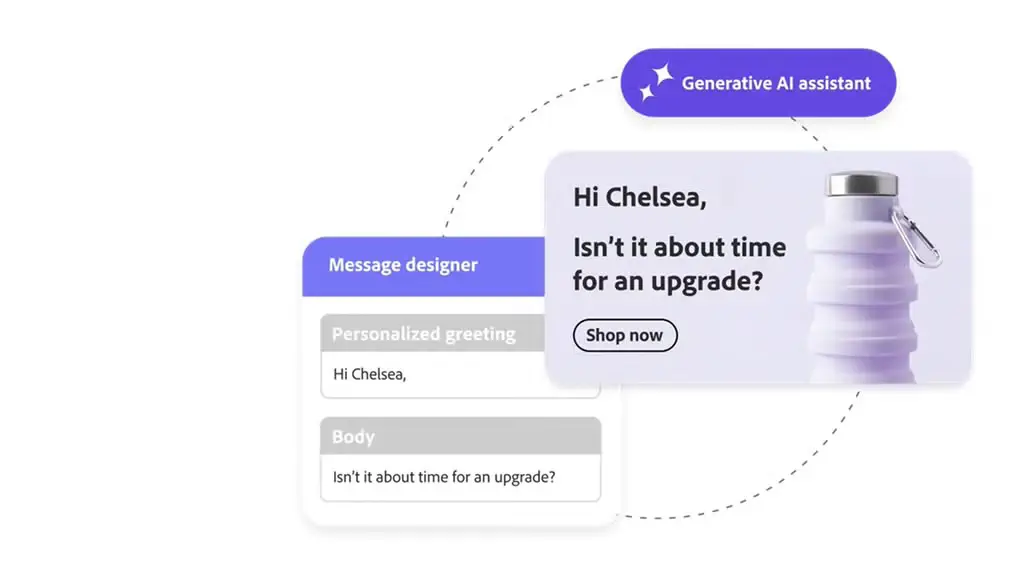
- Email and content management: It allows us to create, personalize, and automate message distribution. This way, it is possible to create processes and actions that adapt to the preferences of each segment and also to the channel we are working on.
- Multichannel and integrated communication: It supports email campaigns, SMS, push notifications for iOS and Android, and of course, social networks. This allows us to easily extend the campaign to all areas.
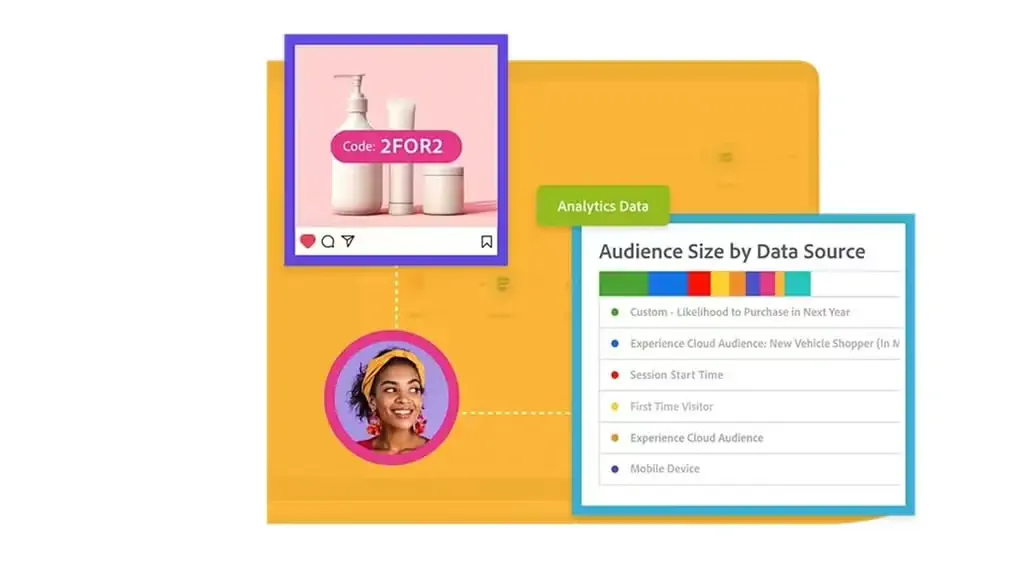
- Integration with Adobe Analytics: The integration of the tool with Adobe’s analytics system provides reports and allows us to evaluate the performance of our campaigns and adjust the strategy in real time, if necessary.
- Connection with external CRM systems: Although Adobe Campaign is not a CRM, it offers integrations to link it with other platforms, expanding its functionality.
Pros and Cons of Adobe Campaign
If we do a balanced analysis of what this marketing solution offers us, we can come up with a list of pros and cons. This information will be useful when choosing the Adobe platform.
Advantages of Using Adobe Campaign
- Integration with the Adobe suite: It allows us to work in sync with our other tools like Adobe Creative Cloud and Adobe Analytics. The content we already have and the applications we already use simply go a little further.
- Complete customization: We can create highly personalized customer experiences and manage all campaigns at a multichannel level, which improves the effectiveness of each communication and all of them together.
- Support for multiple channels: From email to SMS and push notifications, Adobe Campaign helps us reach our audience comprehensively and through the most efficient way.
- Centralized campaign management: With Adobe Campaign Manager, we have full control over the management of our campaigns, facilitating orchestration and real-time performance monitoring.
- High security and regulatory compliance: Unlike other similar tools, Adobe’s tool ensures that our campaigns are developed in compliance with regulations like GDPR and others.
Disadvantages of Using Adobe Campaign
- Steep learning curve: The complexity of the tool is notable, especially if we want to take advantage of all its functions and particularly if we are new to this type of service.
- High implementation cost: If cost is a factor to consider, Adobe Campaign is one of the highest-priced solutions on the market.
- Limited technical support: Some users have pointed out that technical support could improve in terms of speed and effectiveness.
- Not a full CRM: Although it offers several options to link it with existing CRM systems, Adobe Campaign does not replace a CRM solution by itself. This may require additional integrations depending on the nature of the project.
Audience: Who Adobe Campaign is for
Knowing what we already know about Adobe’s campaign planning and digital marketing tool, a profile of its target audience begins to take shape. We recommend this platform for:
- Medium and large companies: Organizations that have sufficient resources to manage its complexity and enjoy the depth of analysis and capabilities of the tool.
- Marketing teams with advanced technical knowledge: With the appropriate marketing knowledge, and able to invest in some training, this tool delivers results far beyond what we can find with the competition.
- Companies already using the Adobe suite: If our company already has Adobe Creative Cloud and uses other Adobe tools, choosing this tool feels very natural.
Why should my company use Adobe Campaign?
Based on interviews we have conducted with industry professionals and companies that have implemented Adobe Campaign in their infrastructure, we can highlight several reasons why a company chooses to use this service.
- Optimizes multichannel campaign integration: Instead of having to use different tools for different channels and make manual adjustments, Adobe Campaign takes care of everything for us.
- Enhances content personalization: In addition to reaching different channels, it personalizes the content and format for each of them.
- Facilitates analysis and continuous improvement: Integration with Adobe Analytics allows us to evaluate performance and adjust strategies in real time.
- Ensures high security standards: With compliance with regulations like GDPR, our data and that of our clients is protected.
- Adapts to complex environments: Its capacity, and also its complexity, make it the ideal option for companies that require centralized management and need the tool to adapt precisely to their existing infrastructure.
Why do some companies not use Adobe Campaign?
Similarly, from the interviews we have conducted, we can highlight some reasons that lead companies to consider alternatives to Adobe Campaign. They are the following:
- Considerable training requirements: The complexity of the tool demands a significant investment in training for our team to fully master it.
- High implementation cost: The cost of fully adapting the tool to our infrastructure is considerable. This must be added to the cost of the tool itself.
- Limitations in technical support: Some teams have found that technical assistance can take time to respond, which should be considered in terms of operations.
- Partial integration with CRM: Since Adobe Campaign is not a complete CRM, some companies prefer solutions that focus on a CRM structure and add campaign planning on top of that.
Adobe Campaign Prices and Discounts
Although Adobe does not list Adobe Campaign prices on its website, there are several things to consider regarding the price of Adobe Campaign.
The most important thing to keep in mind is that the fee structure largely depends on the profiles we are going to activate or if our needs require a more complex implementation, such as custom channels or implementation requirements. The prices for this service are considerable, but its effectiveness and final product quality are important factors to consider.
Although Adobe Campaign does not offer a free trial period, it is possible to request a demo of the platform to test its features.
Implementation, training, and documentation
Although setting up Adobe Campaign is straightforward, it requires a considerable amount of time to implement the tool within the company. Once this is done, a certain level of training will be necessary to accelerate the learning curve and start using the tool at full capacity from the first moment.
There are many courses and materials on how to use the tool, although personalized and tailored training is usually the best option. This is where companies dedicated exclusively to training come into play. Training that, obviously, entails costs depending on the number of members forming the team that will use this tool in our company.
Customer Service: How to Contact Adobe?
Adobe has multiple support channels, such as chat, email, and also specialized forums, which allow us to resolve doubts and errors quickly.
The response from the support team is usually effective, but some users have noted that during high demand times response times can extend considerably.
Best Alternatives to Adobe Campaign
To fully consider this tool is also to consider the alternatives to Adobe Campaign. Some stand out for ease of use, others for power, and others simply target more specific needs within marketing planning. In any case, the best alternatives to Adobe Campaign are the following:
Adobe Campaign vs HubSpot
One of the most balanced alternatives if we are looking for ease of use and automation is HubSpot Marketing Hub**.** Its all-in-one approach makes it a very attractive option for small and medium-sized businesses that want to manage campaigns, CRM, segmentation, and analysis from a single place.
The learning curve is substantially more moderate and customer support has very good ratings. Its integration capabilities, however, do not reach the same level as those found in Adobe Campaign.
Adobe Campaign vs Salesforce Marketing Cloud
Salesforce Marketing Cloud, in turn, is a truly powerful alternative that competes with Adobe Campaign in many areas**.** Its integration with the rest of the Salesforce ecosystem and its focus on “omnichannel journeys” make it the natural choice for companies already within the Salesforce ecosystem.
Adobe Campaign vs Marketo
Marketo stands out for having a truly user-friendly interface and for its focus on marketing automation aimed at medium-sized businesses. It is praised for its ease of use and for the analytical capabilities integrated into the tool. Its integration, as in the case of HubSpot, does not reach the level of Adobe.
Adobe Campaign vs Pardot
Another interesting alternative is Pardot, mainly focused on B2B marketing automation, standing out for its simplicity and integration with the Salesforce ecosystem. With the power of that ecosystem and its ease of use, it is a highly valued tool for a comprehensive but not complex marketing approach.
Adobe Campaign vs Mailchimp, Emarsys
Finally, Mailchimp and Emarsys stand out as more specific and practical options depending on our needs. Mailchimp is, without a doubt, the most accessible solution to take our first steps in automated marketing, with visual templates, basic multichannel campaigns, and excellent integration with ecommerce platforms. This makes it ideal for individuals and small businesses.
Emarsys, on the other hand, is oriented towards B2C and stands out for its preconfigured workflow. With this, and a very clear use of artificial intelligence, we can comfortably enter automated marketing.
Adobe Campaign, the solution our marketing campaign needs
Adobe Campaign is a truly complete and capable tool when it comes to naturally integrating into our company and bringing the benefits of the Adobe ecosystem to marketing planning and automation. With a multitude of channels, through which we can deliver our message to customers, wherever they are, it stands out from other market alternatives.
Although its implementation requires a considerable initial investment, this is a tool that makes a difference in marketing. While there are alternatives like Marketo or Pardot, Adobe Campaign stands out for its ability to integrate both the tools we use and the power of Creative Cloud in a way that allows us to achieve more efficiently.